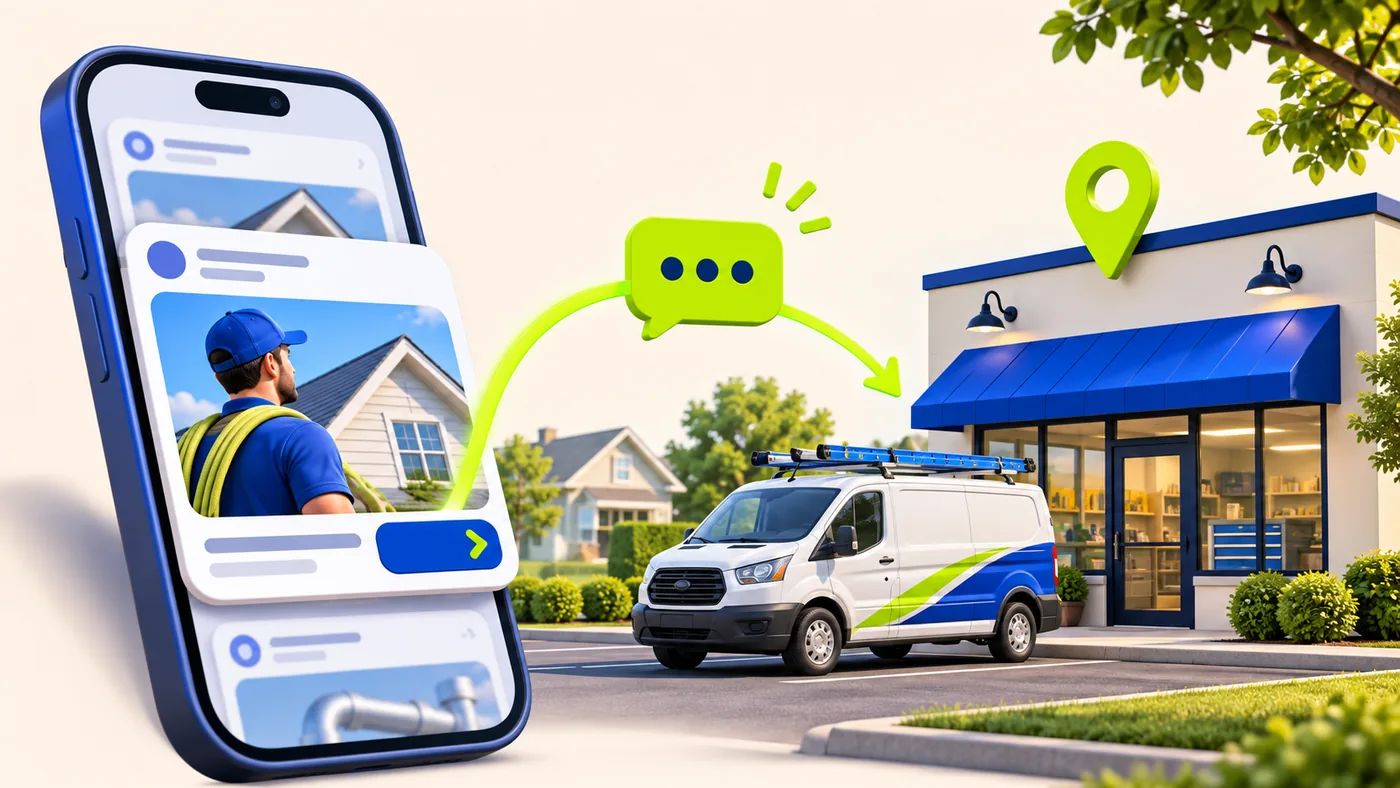
Facebook ads for small business work best when three settings match how your customers actually buy: the map, the way people respond, and the way you count results. For a local business, that means a location radius drawn from where past customers live, a response path your team can answer (a call, a form or a message), and tracking that follows each lead to a booked job. Meta lets you target people who live in, recently spent time in or often visit a city, ZIP code or area around an address, according to its location selection guide.
Most guides to Facebook ads for small businesses are written for online stores, so they skip the parts a plumber, dentist or bakery needs most. This one covers the local decisions in order: the objective, the map, the audiences, the response path, the creative, a first test budget and tracking. It skips the click-by-click Ads Manager tutorial and covers the choices to make before you open it.
Are Facebook ads worth it for a local business, and what do they cost?
Facebook ads can pay off for a local business when the offer is something people want on sight and someone follows up fast. The audience is there: Pew Research Center's 2025 survey of U.S. adults found that 71% use Facebook, including 80% of adults ages 30 to 49. Whether that audience turns into customers for your offer is a separate question, and it is easier to answer once the campaign below is set up properly.
Cost depends on industry. LocaliQ's 2026 Facebook advertising benchmarks put the average cost per lead at $27.39 across industries, $42.95 for home and home improvement and $61.56 for dentists. Treat those as a yardstick for your first month. Your market can land well above or below them.
How to run Facebook ads for small businesses: pick the objective by what happens after the tap
The campaign objective tells Meta which result to find, so choose it by the action you want from a nearby customer. Meta's ad objective guide lists six objectives: Awareness, Traffic, Engagement, Leads, App promotion and Sales. For a local business, two or three of them do most of the work.
| Objective | Local use | Pick it when |
|---|---|---|
| Leads | Instant forms, calls or messages that start a quote or booking | You sell a service and someone can call leads back the same day |
| Engagement | Messages in Messenger, Instagram or WhatsApp | Customers usually ask a question before they book (salons, repair shops, tutors) |
| Sales | Online bookings, orders or gift cards tracked on your website | Your website records the booking or purchase with the Meta Pixel |
| Traffic | Visits to a menu, event page or service page | You want cheap visits and have no conversion to optimize for yet |
| Awareness | Reach in your area for an opening, a new location or a name change | You care about being remembered, and you accept that results are hard to tie to sales |
Meta's guide says the Leads objective collects leads "via messages, phone calls or signups." That covers most service businesses. Awareness has a place too: Meta folded the old Store traffic objective into it. But a business that needs bookings this month should start with Leads or Sales, because those objectives optimize for a person taking an action.
Local Facebook ads targeting: radius, address and who counts as local
Local Facebook ads start in the Locations field of the ad set. You can enter a city, a ZIP code or an address, or drop a pin, and Meta's how-to page on choosing locations says it sets a default radius you then adjust with a slider. Two limits from that page shape a local plan:
- Radius selection is not available for ZIP codes, states, regions or countries. A ZIP code always means the whole ZIP area.
- If you pick a city, you can widen the radius or choose "Current city only."
Review the location controls and any audience-expansion options in your account before launch. Location targeting is not a guarantee that every lead lives in your service area. Add a screening question to the form (covered below) and check each lead’s service address.
Draw the radius from your customer list
The radius around your office is a guess. Your past invoices are data. Pull the addresses or ZIP codes of your last 50 to 100 customers, put them on a map and draw the area where most of them sit. Then trim towns you would rather not drive to.
We do a version of this in our Google Maps work: when we set up local rank tracking for a client, we use a 9x9 grid over a 10-mile radius and look at which parts of the service area the business actually shows up in. The same logic applies to Meta. If 80% of your jobs come from four ZIP codes, a 25-mile circle mostly buys impressions in places that rarely book.
Exclusions work differently from inclusions. Meta's location guide explains that someone who lives in an included area can still see your ad while visiting an excluded one; the ad is hidden only when both their current and home locations are excluded.
Keep the audience broad inside the map
Meta's pricing page says ad sets with an audience of at least 2 million "often see better performance." A small-town radius will never get close, and you should not stretch the map to chase that number. Do the opposite inside the map: skip most interest and age filters. A 10-mile circle around a town of 40,000 is already a small pool, and stacking "homeowners, 35 to 55, interested in gardening" on top of it leaves Meta very few people to test. Let the creative and the offer pick out the buyers.
There is one exception. Ads about housing, employment and financial products and services fall into Special Ad Categories, where Meta limits audience options in the U.S. A property manager or mortgage broker should check those rules before planning a ZIP code campaign.
Audiences worth building before you launch
The cheapest leads usually come from people who already know you. Meta's custom audiences page lists the sources a small business can use, and four of them fit almost any local company:
- A customer list: upload past customers' emails or phone numbers, then retarget them with a seasonal service or exclude them from a new-customer offer.
- Website visitors, tracked by the Meta Pixel. This one needs the Pixel installed before launch, so do it first.
- People who opened or submitted one of your lead forms.
- People who engaged with your Facebook Page, Instagram account or videos.
Meta also offers an exclusion-only customer list. That is the simple way to stop paying to show a "first visit 50% off" ad to someone who has been a client for six years.
Lead forms vs calls vs messages vs your website
The response path decides who you can answer, so pick it by your staffing before your ad copy. Meta's lead ads overview describes three lead ad types: calls, instant forms and click to message. Sending people to your website is the fourth path.
| Response path | Works best for | What goes wrong | What to check weekly |
|---|---|---|---|
| Call | Urgent or simple jobs, older customers, businesses with someone on the phone all day | Calls outside business hours go to voicemail and die there | Missed calls and calls under 30 seconds |
| Instant form | Quotes, estimates, consultations; businesses without a strong website | Easy one-tap submits from people who barely read the ad | Share of form leads you reach by phone |
| Message (Messenger, Instagram, WhatsApp) | Salons, tutors, repair shops where people ask a price question first | Slow replies; chats that never move to a booking | Reply time and chats that end in an appointment |
| Website | Online booking, ordering, gift cards, menus | Slow or confusing mobile page; no Pixel, so Meta cannot optimize | Booking rate from ad clicks in your analytics |
The instant form is the default for many service businesses because it needs no website. It also produces the most complaints about junk leads, and Meta gives you two tools to fix that.
Make the form a little harder on purpose
Meta's instant form types page offers "More volume" by default and "Higher intent" as an option. Higher intent adds a review screen where people confirm their details and a note that the business may follow up. It shows only on Facebook and Instagram feeds on mobile.
Add one or two custom questions that a casual scroller would not bother with. Meta's guide to asking the right questions shows ZIP code as a common prefill field and custom questions such as timing. For a local service, "Which ZIP code is the job in?" and "When do you need this done?" filter out most out-of-area and someday leads. You will get fewer leads. You will call fewer dead numbers.
Local ads Facebook users stop scrolling for
Local ads on Facebook compete with friends' photos, so they work when they look like they come from a real business down the street. No source can tell you which ad will win in your market, but a few creative habits tend to separate local ads from generic ones:
- Name the place in the first line: the town, the neighborhood or the school district. People notice their own area.
- Use your own photos and short phone videos: the van in a recognizable spot, the team, a before-and-after from a real job. Stock images look like national ads.
- Put the offer and its limit in plain words, such as "Free roof inspection in Katy this month, 20 slots."
- Show proof people can check, like your Google rating and review count, if it is strong. In our review audits we weigh volume and recency along with the score: a 4.8 with 300 reviews says more than a 5.0 with 12.
- Run two or three ads per ad set. Meta's learning phase page warns that many ads and ad sets slow down what the system learns about each one.
If your Google reviews are thin, fix that alongside the ads; our Google Business Profile service covers that side of local visibility.
A first test budget that Meta can learn from
Start with a budget you can leave alone for at least two weeks. Meta's pricing page recommends at least $5 and a duration over six days, and its learning phase page says an ad set usually exits learning after about 50 results in the week after the last significant edit.
Run the math before you pick a number. At LocaliQ's average of $27.39 per lead, 50 leads a week costs about $1,370 ($27.39 x 50 = $1,369.50), or close to $196 a day. Most small businesses spend less than that, which means a local lead campaign will often sit in "Learning limited." That is fine. It means two things for you:
- Put the whole test budget into one campaign and one ad set, so results are not split across five half-trained ad sets.
- Judge the test on two to four weeks of results and leave the ad set unedited during that time.
A $30 daily budget, for example, is $210 a week, which at $27.39 per lead is about 7 or 8 leads a week. That is enough to see whether leads book, if you track them. How much to spend after the test is a separate decision that depends on your margins.
Track every lead to a booked job
Ads Manager counts leads; your business runs on booked jobs. The link between the two is the tracking you set up before launch:
- Install the Meta Pixel on your website if any ad sends people there.
- Add the Conversions API, which Meta's Conversions API page describes as a direct connection between your server, website platform or CRM and Meta. It accepts events from phone, store and offline sources, and many setups do not need a developer.
- Tag every ad link with UTM parameters. We do the same with the website link in a client's Google Business Profile, so traffic from the profile does not blend into organic search. It is the same habit for Meta: separate the source before you report on it.
- Get instant form leads out of Meta every day, through a CRM connection or Leads Center, so nobody waits for a manual download.
- Log every lead's outcome in one place: reached, booked, sold, revenue.
Step 5 is the one that tells you whether the campaign works. Our lead tracking service is built around it, and it is how we report results. One Next Wave client in pool safety in California saw conversions rise 400% and cost per conversion fall 80.1%. Reliable tracking helps you assess results like these.
Mistakes that waste local ad budgets
Most failed local campaigns break in the same few places:
- A radius drawn around the office instead of around past customers.
- Interest, age and income filters stacked on a small radius until the audience is tiny.
- Boosting a post without checking whether its goal and response path fit your lead-generation plan. For the setup described here, use a Leads campaign in Ads Manager.
- A form with no screening question, then complaints that "Facebook leads are junk."
- Leads that sit in Meta until someone downloads them on Friday.
- Editing the budget and targeting every few days, which keeps resetting learning.
- Sending ad clicks to a home page that loads slowly on a phone. If clicks are cheap and bookings are rare, look at the page; that is where conversion rate optimization starts.
- Running a Facebook campaign for an emergency service people only search for when something breaks. Search ads usually fit that demand better, as our guide to Google Ads for home service businesses explains.
FAQ
Can you advertise locally on Facebook?
Yes. In Ads Manager you can target people who live in, recently visited or often visit a city, ZIP code or radius around an address. Meta notes that location targeting is not 100% accurate, so some leads may come from outside your area.
How much does it cost to run a local ad on Facebook?
Meta recommends starting with at least $5 and running for more than six days. Results cost more than that: LocaliQ's 2026 benchmarks put the average lead at $27.39, with home improvement at $42.95 and dentists at $61.56.
What radius should I use for local Facebook ads?
Use the area where most past customers live. Map your last 50 to 100 customer addresses or ZIP codes and draw the radius around the cluster. Then remove areas you do not serve.
Can I target a ZIP code with Facebook ads?
Yes, for most businesses. A ZIP code covers its whole area, since Meta does not allow a radius around a ZIP. Ads in Special Ad Categories, such as housing, employment and financial services, have limited targeting in the U.S.
Do I need a website to run Facebook ads?
No. Instant forms, call ads and click-to-message ads all collect leads inside Facebook and Instagram. A website helps when you sell online bookings or orders, because the Meta Pixel can then report and optimize for them.
Should a local business use lead forms or calls?
Use calls if someone answers the phone during business hours and the job is urgent or simple. Use instant forms with a ZIP code question if you quote jobs and can call leads back the same day. Many businesses test both.
Your first local campaign this week
Before you spend anything, do three things: map your last 50 to 100 customers, install the Pixel or connect your CRM, and set up a lead log with one row per lead. Then launch one Leads campaign, one ad set inside that map, two or three ads with your own photos, and a form with a ZIP code question. Leave it alone for two weeks and count booked jobs.
If you would rather have someone set it up with you, send your service area and current lead flow through our contact form. We start with your goals, service area and existing lead flow, then agree on the work that fits your business, whether that is Meta Ads management or fixing tracking first. Expect a reply the same business day.
Put the next step into action.
Tell us about your business, service area and goals.
Get More LeadsExplore Meta Ads services