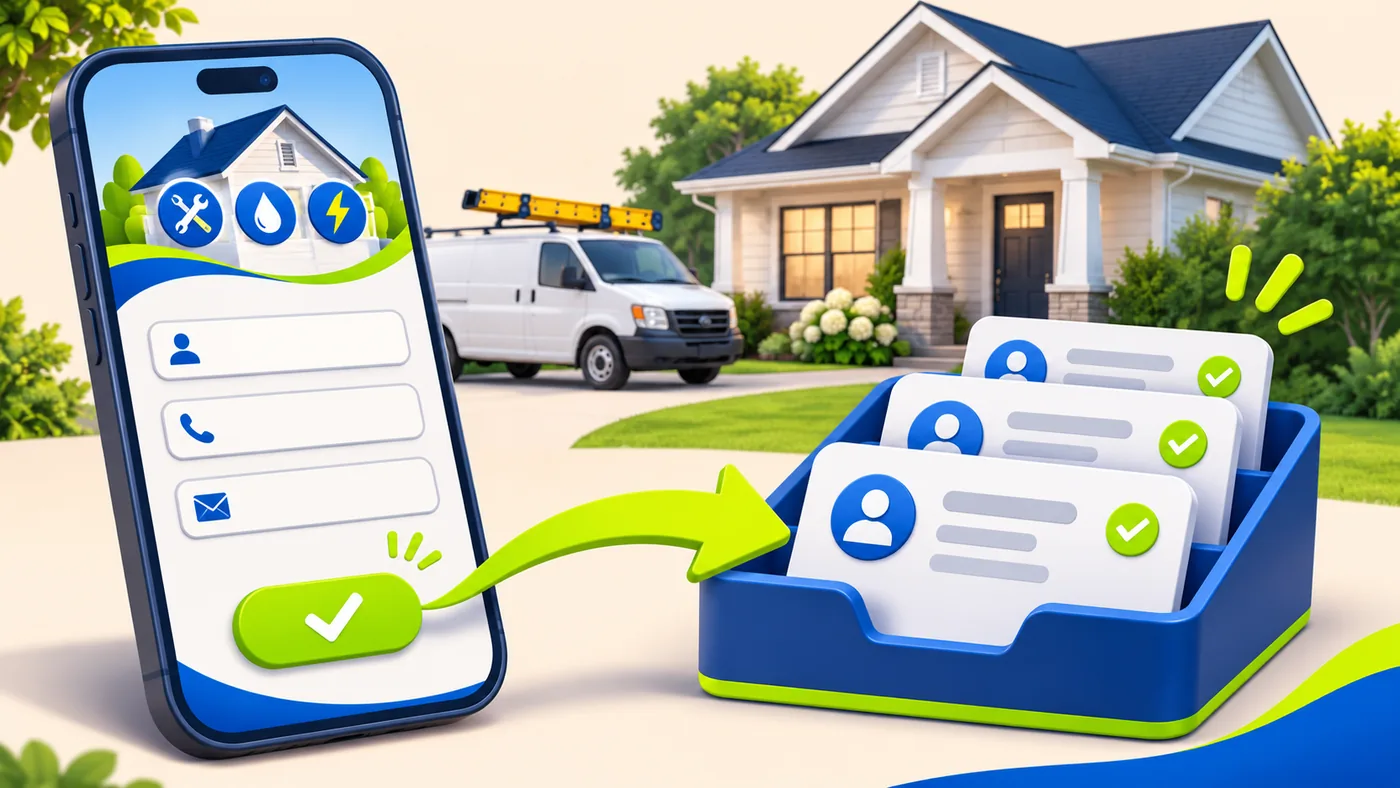
Facebook lead ads are Meta ads that open a short form inside Facebook or Instagram, so a person can send you their name, phone number and email without ever loading your website. You build them in Meta Ads Manager under the Leads objective, check them with Meta's Lead Ads Testing Tool, and pull the results from Ads Manager, Leads Center or a connected CRM. One deadline shapes the whole process: Meta makes each submission available for download for up to 90 days. Export it or sync it to your CRM before that window closes.
Most setup guides stop at "click Publish." For a local business, the harder part starts after that. You need proof that a form submission actually reaches the person who calls people back, and you need the lead out of Meta before it expires. This guide covers the full loop, from the first campaign setting to a test lead sitting in your CRM.
What are Facebook lead ads?
Facebook lead ads (Meta's help center calls them lead ads, and the same campaigns run on Instagram) are ads built to collect contact details from people interested in what you sell. Meta's About lead ads page lists three types:
| Lead ad type | What happens after the tap | Fits best when |
|---|---|---|
| Instant form | A form opens inside Facebook or Instagram, partly prefilled from the person's profile | You want name, phone, email and a few qualifying answers |
| Click to message | The person lands in a chat with you in Messenger, Instagram or WhatsApp | Your team answers chats fast and customers ask questions before booking |
| Calling | The ad or a call add-on prompts a phone call | Urgent jobs where people want to talk to someone right away |
This guide focuses on the instant form, since that is the version with a form to test and a lead file to download. Meta lead ads can show in Facebook Feed and Stories, Instagram Feed and Stories, in-stream reels and Marketplace.
The appeal is low friction. Prefill questions pull contact info from the person's Facebook or Instagram account, and people can edit those answers before they submit. The weakness comes from the same place: a two-tap form also collects people who were only half interested. The form type setting below is how you control that trade-off, so pick it on purpose.
How to create Facebook lead ads in Ads Manager
You create a lead ad by choosing the Leads objective, setting Instant forms as the conversion location at the ad set level, and building or selecting a form at the ad level. The steps below follow Meta's guide to creating a lead ad in Ads Manager:
- Open Ads Manager and click + Create.
- Select Leads as the campaign objective and click Continue. Meta now starts you in an Advantage+ leads campaign by default and shows a notice about it.
- At the ad set level, in the Conversion section, pick Instant forms. Other options include Website, Calls, Messenger, Instagram, WhatsApp and several combinations.
- Choose a performance goal. Maximize number of leads works for a first campaign. Maximize number of qualified leads needs CRM data, and since April 2026 Meta no longer offers it on new campaigns without a Conversions API connection.
- Set the audience, placements, budget and schedule.
- At the ad level, pick Single image or video or Carousel, then write the creative.
- In the Destination section, click Create form or select an existing one.
- Under Tracking, set up CRM, website or app events if you use them. Then click Publish.
Meta tells advertisers to have their legal team review form questions against the Lead Ads Terms and Advertising Standards first. Most small businesses have no legal team. They still need to read the prohibited questions list covered further down, because a single bad question stops the ad from running.
Building the instant form
Meta's instant form instructions split the form editor into sections. These settings change lead quality the most:
- More volume, the default form type, is the fastest to submit on a phone. Higher intent adds a review screen where people confirm their details before sending. Rich creative adds an intro section with images and delivers only in the Facebook mobile app.
- You can add up to 15 custom questions: multiple choice, short answer, conditional, or appointment request. Prefill fields such as email and phone come from the person's account.
- The Privacy policy section takes a URL plus link text (details in the next section).
- The Ending screen holds a headline, description and call to action that tell people what happens after they hit submit.
- In the Destination section, a checkbox requires an SMS one-time code before the form submits. It stays grayed out until phone number is a required field.
Here is the position we take for service businesses that book work by phone: test Higher intent plus SMS verification where available. The review step asks people to confirm their details, and SMS verification checks that they can receive a code at the supplied number. Neither guarantees buying intent or that they will answer a callback. The added friction may reduce lead volume, so compare qualified leads and booked jobs against More volume.
One housekeeping detail: Ads Manager saves only your 100 most recent instant forms. Name each form by service, offer and month ("AC tune-up, fall 2026") so the right one is easy to find when you test it or pull its leads.
Instagram lead generation ads
Instagram lead generation ads use the same Ads Manager setup; there is no separate campaign to build. According to Meta's page on lead ads for Instagram, the form runs on Instagram when you keep Advantage+ placements (the default) or select Instagram manually. Plan around three differences:
- Lead ads appear only in the Instagram mobile app, never on desktop Instagram.
- Instagram does not show store locator or appointment request questions. The ad still runs, minus that question.
- Advantage+ catalog ads for leads are not supported on Instagram.
If your form relies on an appointment request to schedule visits, Instagram users will skip that step entirely. Add a short-answer question such as "Best day and time to reach you?" so those leads still tell you when to call.
Privacy policy for Facebook ads: what the form needs
Include a link to your privacy policy in the form’s Privacy policy section. It tells people how you handle their contact information. Do not rely on an interface label to decide which privacy disclosures or consents your business needs.
Rules from Meta's page on privacy policies for lead ads:
- The link must open a web page. A PDF, an image or a direct download is not allowed.
- Your website's existing privacy policy works. You do not need a separate one for lead ads.
- Meta suggests the policy cover what you collect, how you use it, whether you share it with affiliates or third parties, whether people can review or delete their data, how you handle legal requests, how you announce changes, how to contact you, and the effective date.
The questions section also asks for a short message explaining how you will use or share the information. Meta's form instructions say you may only use the data for the purposes stated in that notice. So if you plan to send leads promotional texts later, the notice has to say so, and Meta's custom disclaimer field is the place for marketing opt-ins. Check your state's rules on texting consent with whoever handles your compliance.
Questions you cannot ask on the form
Meta keeps a list of questions prohibited on instant forms, and it states that a lead ad with a violating question will not run. Several entries catch local businesses off guard:
- Insurance information, including the insurer's name and policy numbers. A dental office or auto body shop asking "Who is your insurance carrier?" breaks this rule.
- Health information, including current or past conditions. A physical therapy clinic cannot ask what injury brought the person in.
- Financial details such as credit score, income, bank account numbers or debt status.
- Account numbers, including cable or telephone account numbers.
- Custom questions that duplicate a prefill question. Use the prefill email field; do not build your own "Email" question.
Housing, employment and financial products have extra limits in the US and Canada. Meta's lead ads overview says those advertisers may not collect age, gender, relationship status or location details such as street address, city or ZIP code. If your service requires additional information, check the applicable privacy and anti-discrimination rules before collecting it elsewhere.
How to use the Facebook lead ads testing tool to generate a test lead
The Facebook Lead Ads Testing Tool is a free Meta developer page at https://developers.facebook.com/tools/lead-ads-testing that submits a test lead to one of your forms. It shows whether a submission reaches your CRM, email alert or spreadsheet before any ad money is spent. These steps come from Meta's lead ads testing and troubleshooting documentation:
- Log in to Facebook with an account that has the Advertiser role or higher on the Page that owns the form.
- Open the testing tool and pick your Page from the dropdown. If your Page is missing, check Page access and the account you are signed in with.
- Select the form from the Form dropdown.
- Click Create Lead to send default dummy data. To send your own values, click Preview Form first and fill it in.
- Click Track Status, and keep clicking until the status changes from pending to success or failed.
- When you are done, click Delete Lead.
One limit trips people up: you can create only one test lead per form, and you have to delete it before creating another. Developers can also create a test lead through the API with a POST request to /{FORM_ID}/test_leads using a Page access token, under the same one-lead limit. If a test fails, check the app’s mode and permissions in Meta’s current developer documentation.
Use Preview Form with a phone number and email someone on your team actually checks. A success status confirms that Meta delivered the lead. It does not confirm that anyone saw it. A full test has four checkpoints:
- The lead shows up in the CRM or sheet with every field mapped to the right column.
- The new-lead alert (text, email or app notification) fires to the person on call.
- That person calls or texts the test number, the way they would a real customer.
- The test lead gets deleted, so the next test on that form can run.
Run the test again whenever you add, remove or rename form questions, because an integration that maps fields by name can stop filling a column without throwing any error.
How to download leads from Facebook Ads Manager
Meta lets you download instant form leads as a file from three places: Ads Manager, the Instant forms page in Meta Business Suite, and Leads Center. Meta's guide to downloading or retrieving leads data also mentions API access, a connected CRM, and viewing leads in the Ads Manager mobile app.
| Where | File type | What you get | Best use |
|---|---|---|---|
| Ads Manager | CSV or XLS | All default columns plus answers to custom questions; filters by ad object, location, language, date range | Pulling leads across several campaigns at once |
| Business Suite, Instant forms | CSV or XLS | Same columns; option to download only leads new since your last download | A routine export from a single form |
| Leads Center | CSV | Only date, name, email, phone, stage, source and owner | A quick contact list for callbacks |
To download leads from Ads Manager:
- Go to Ads Manager and open the Ads tab.
- Find the lead ad you want.
- In the Results column, click On-Facebook leads. No link there usually means you are on the Campaigns or Ad sets tab, not Ads.
- In the Download leads window, choose the ads and filter by ad object, location, language or date range. Click Next.
- Pick CSV or XLS and click Download.
From the Business Suite Instant forms page, the path is All tools, then Instant forms, then Download next to the form. The Download new leads option exports only what arrived since your last download, which keeps a weekly export from duplicating rows.
Each export includes columns such as created_time, campaign_name, form_name, is_organic and platform, according to Meta's list of fields in the leads download. The platform column tells you whether a lead came from Facebook or Instagram, which answers the question "is Instagram worth it?" without extra tracking.
If the file will not download or some columns come out blank, check permissions first. By default only people with full control of the Page or messaging permissions can download leads, and seeing all fields requires Page admin permissions plus a role on the ad account.
The 90-day download limit
Meta's page on expired leads states that leads stay available for download for up to 90 days from submission. Even with Lifetime results selected, you can download only the last 90 days. That is why the Results column in Ads Manager can show more leads than your file contains.
If a campaign launched on January 5 and nobody exports until mid-April, the earliest leads are already outside the download window. Meta recommends downloading often or using a CRM. The 90-day download limit concerns instant form submissions; it does not mean Page inbox messages are deleted on the same schedule.
Get each lead to the person who calls back
Meta's own best practices for responding to leads put the CRM first: it recommends an integrated CRM or Leads Center, and notes that downloading leads manually from Ads Manager or Business Suite adds time before you can follow up. It also recommends running lead ads during business hours when your team can respond right away.
For a local business, our position is simple: a CSV export is a backup, never the workflow. Run the math on a once-a-day routine. If someone exports at 5 p.m., a lead that came in at 9 a.m. waits 8 hours before anyone sees it. Meta's same page says that cutting follow-up time can improve lead quality.
What a working setup looks like:
- Leads flow into a CRM through a native integration in Meta Business Suite, a connector such as Zapier, or the API.
- An alert reaches the phone of whoever handles callbacks. Meta suggests scheduling lead ads for the hours your team can actually respond.
- An appointment request or "best time to call" question tells you when the lead wants the call.
- Leads Center stages (Intake, Qualified, Converted, Lost, Not qualified, per Meta's Leads Center guide) or your CRM record what happened to each lead.
That last step is what moves you beyond counting form fills. Turning on Page data sharing connects Leads Center to the Conversions API, and once Meta knows which leads converted you can optimize toward Conversion leads. It is also what Meta now requires before it offers the qualified leads goal on new campaigns. Setting up that loop is what our lead tracking and attribution service covers.
Facebook lead ads examples for local businesses
The setups below are illustrative examples, not campaign results. Each applies Meta's form rules to a common local service offer.
| Business | Offer | Form type | Qualifying questions | Watch out for |
|---|---|---|---|---|
| HVAC company | Fall furnace tune-up | Higher intent + SMS verification | System type (multiple choice); appointment request | Appointment request does not show on Instagram, so add a "best time to call" question |
| Dental office | New patient exam | More volume | New or returning patient; preferred time of day | Asking for the insurance carrier is prohibited, so ask on the call |
| Moving company | Free moving quote | Higher intent | Move date; home size (multiple choice); moving from and to (short answer) | Use the Ending screen to say when you will call with the estimate |
| Fitness studio | Free first class | More volume | Class type; preferred day | Health questions such as injuries are prohibited |
Notice what the dental and fitness rows have in common: the question you most want to ask is the one Meta bans. Build the form around what you are allowed to ask, and save the rest for the callback script.
Frequently asked questions
How do you get your leads from Facebook ads?
Download them as CSV or XLS from Ads Manager (Ads tab, Results column, On-Facebook leads) or from the Instant forms page in Meta Business Suite, or as CSV from Leads Center. For ongoing campaigns, connect a CRM so leads arrive automatically.
Why does my download show fewer leads than Ads Manager reports?
Meta removes leads from download 90 days after submission. The Results column counts every lead in the selected date range, while the file includes only the last 90 days. Permissions can also blank out some fields.
Can I see Facebook leads on my phone?
Yes. Meta says you can view and manage leads in the Ads Manager mobile app, and Leads Center is also reachable from your Facebook Page through Business Dashboard.
Do Facebook lead ads need a privacy policy?
Include your privacy policy using the form’s dedicated field. Link to a web page rather than a PDF or direct download. Your existing website policy can work if it accurately covers the information you collect and how you use it.
Why can't I find my Page in the Lead Ads Testing Tool?
The tool lists only Pages where your account has advertiser access. Ask a Page admin to give you the Advertiser role or higher, then reload the tool.
Do Facebook lead ads work on Instagram?
Yes, the same campaign can run on both. Instagram lead ads show only in the mobile app, and Instagram skips store locator and appointment request questions.
Before you raise the budget
Run this checklist once per form, before spend goes up:
- The privacy policy link opens a web page, and the use-of-data notice covers how you plan to contact leads.
- No question touches insurance, health, finances or anything else on Meta's prohibited list.
- A test lead from the testing tool landed in your CRM with every field in the right place, the alert fired, someone called it, and the test lead is deleted.
- Ads run only during hours when someone can call back.
- Leads leave Meta automatically, or someone has a calendar reminder to export well inside the 90-day window.
- Everyone who needs leads has the right access in Business Suite.
If you would rather hand this off, our team runs Meta Ads for local businesses and builds the tracking behind them. We start with your goals, service area and existing lead flow, then agree on the work that fits your business. If Google is your other main channel, our guide to Google Ads for home service businesses covers that side. Get in touch and we reply the same business day.
Put the next step into action.
Tell us about your business, service area and goals.
Get More LeadsExplore Meta Ads services