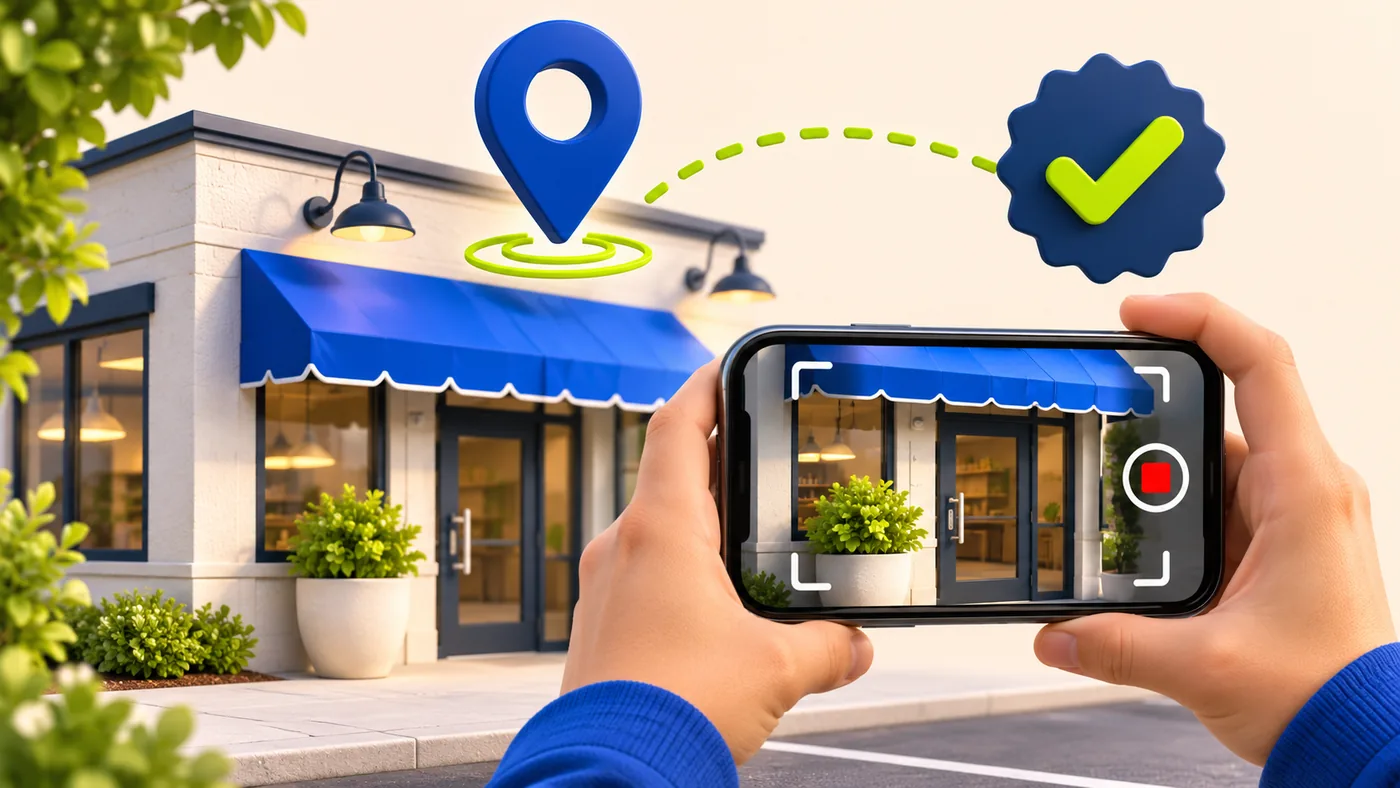
Google My Business verification is how Google confirms that you own or manage a real business before your profile works fully on Search and Maps. The product is now called Google Business Profile, and Google assigns the method for you: phone or text, email, a recorded video, a live video call, a postcard, or instant verification. After you complete the steps, Google says the review takes up to 5 business days.
You don't get to pick the method. You do control whether your business, on camera and on paper, matches the profile you submitted. Most failed attempts come down to a mismatch: the sign says one name and the profile says another, the address changed during review, or Google's verification call hit an automated phone menu. Below: each method, what your video has to show, how to read your verification status, and what to do when Google says there are no more ways to verify.
Which verification method will Google give you?
Google decides, and there is no setting to switch from video to postcard. According to Google's verification help page, the methods you see depend on your business type, public information, region and business hours, and some businesses have to complete more than one method.
| Method | How it works | What usually blocks it |
|---|---|---|
| Phone call or text | Google calls or texts a code to the business number, and you enter it on the profile | An automated phone menu (IVR): Google says IVR systems won't get the code |
| Google emails verification steps | You must be able to use the exact address shown on the verification screen | |
| Video recording | You film one continuous clip on a phone, inside the profile, and upload it | Edited or pre-recorded footage, missing signage, no proof of management |
| Live video call | A Google support rep guides you through showing the business on a video call | Runs only during your business hours, and you have to be at the business |
| Postcard | Google mails a 5-digit code to your business address | Editing name, address or category while you wait, or requesting a new code |
| Instant | The profile verifies right away | Typically needs your website already verified in Google Search Console |
For most new profiles, expect video. Claudia Tomina, a Google Business Profile Platinum Product Expert interviewed in Search Engine Land's guide to the new verification flow, estimates that video is the main method about 8 times out of 10. She also notes that phone or email verification is often followed by a second step, usually a video. That is her field estimate, not a Google statistic. Still, it lines up with Google's own help page, which recommends video recording to eligible businesses.
Eligible brands with at least 10 profiles for the same business can apply for bulk verification. Service-area businesses and agencies combining different businesses are not eligible for that process.
How to verify your business on Google, step by step
If you haven't created or claimed the profile yet, do that first. The steps below assume it exists.
- Sign in to the Google Account linked to the profile. Google's help page says you won't find the profile from any other account.
- Open the profile from Search, Maps or the Business Profile manager and select Get verified.
- Read which methods Google lists. If you see more than one, take the one you can finish today without editing anything.
- Complete it: enter the code, upload the video or join the call.
- Wait for the review (up to 5 business days). Google sends a confirmation email when you're verified.
- Leave the name, address and category alone until that email arrives.
Step 6 is the one people break. Settle every core detail before you press Get verified. In our Google Business Profile work, we pick the primary category first: the narrowest accurate category, checked against the businesses in the top 3-5 of the Local Pack. Then we lock the name and address. Changing any of them after submission restarts the problem.
Google Business Profile video verification: what to film
A verification video is a live recording that proves three things: where the business is, that it exists, and that you manage it. Google's video verification requirements set the format: at least 30 seconds, unedited, one complete recording with no breaks, filmed and uploaded from a mobile device through your Business Profile. You can't record offline and upload the file later.
Keep three things out of the frame: bank, tax or ID numbers, other private information, and other people's faces.
What you show depends on how you serve customers:
| What Google needs to see | Storefront or hybrid business | Service-area business |
|---|---|---|
| Location | Street signs, the building number, nearby businesses or familiar places that match Google Maps | Street signs or landmarks near your business address; home-based businesses can film signs in their immediate neighborhood |
| Existence | The storefront, showroom or signage, with the business name on a permanent fixture (signboard, wall or window) that matches the profile name | Professional tools, equipment, products, your workspace, business cards or branded apparel |
| Management | Something only an employee can do: open the cash register, enter the kitchen or storage room, use the point-of-sale system | Perform a service or unlock a business-only asset, such as a branded van, or show a permit, invoice or utility bill that matches the profile name |
According to BrightLocal's verification guide, Google says the most successful videos run 1-2 minutes. Thirty seconds is the floor, not the target.
Because the video has to be continuous, plan the route before you press record. Here is an example shot list for a plumber working from home, about 75 seconds in total:
- 0-15 seconds: the street sign at the nearest corner, then pan to the house number.
- 15-30 seconds: walk to the van and show the branded side panel.
- 30-50 seconds: unlock the van and show tools and stock inside.
- 50-75 seconds: hold up an invoice or the business license with the name visible, with account numbers covered.
The timings are an illustration, not a Google rule. Each block maps to one row of the table above.
When video verification is not working
Most video problems fall into four cases, and Google's help page gives a fix for each:
- You spot a missing shot before uploading: use Try again and re-record.
- The upload fails: upload again.
- The video is rejected: open the profile on your phone, tap Review issues, then record a new video with everything from the first one plus the missing items.
- The business has no in-person contact at all: Google says online-only businesses aren't eligible for verification, so no video will pass.
Google My Business verification without a postcard
Most profiles never see the postcard option now. BrightLocal calls postcards "pretty rare today", and if Google doesn't list one, you can't request it. Your options without a postcard are phone or text, email, video recording, live video call and instant verification through Search Console, whichever Google offers you.
If you do get a postcard, the postcard help page has four rules worth taping to the fridge:
- Most codes arrive within 14 days.
- Codes expire after 30 days.
- Requesting a new code cancels the one already in the mail.
- Entering a wrong code more than 5 times fails verification. Google's postcard instructions then direct you to remove the profile from your Google Account and create a new profile.
How long does it take Google to verify my business?
Up to 5 business days after you complete a method, in most cases. The full wait depends on the method:
| Stage | Typical time | Source |
|---|---|---|
| Review after any completed method | Up to 5 business days; rare cases take longer | Google Business Profile Help |
| Video review | Up to 5 business days | Google Business Profile Help |
| Postcard delivery | Most codes arrive within 14 days | Google Business Profile Help |
| Postcard code validity | 30 days | Google Business Profile Help |
| Support reply after a "No more ways to verify" request | Typically 2-3 business days | Search Engine Land |
Postcard delivery can add about two weeks before review. Adding the usual review period gives an illustrative total of roughly three weeks, not a maximum: Google says some reviews take longer, and holidays or another verification step can extend the wait.
How do I know if my Google business is verified?
Three signals tell you. Google sends a confirmation email when verification succeeds. Google's setup guide also links to a page where you can check verification status for each profile you manage. And if Google could not verify you, the Get verified button shows up again on the profile.
An unverified profile is also limited. BrightLocal notes that until you verify, you can't edit business information, see insights, upload images or respond to reviews. Use Google's verification-status checker or confirmation email rather than treating feature access alone as a definitive status check.
| What you see | What it means | What to do |
|---|---|---|
| Confirmation email from Google | Verified | Leave core details alone for a while (see below) |
| Get verified button is back | Google couldn't fully verify the business | Try again or use another method Google offers |
| Review issues notification | Your video was rejected | Tap it, read the reasons, record a new video |
| Google asks for more information | Recent edits to business details need checking | Select Get verified and verify again |
| No more ways to verify | You've used up the self-serve attempts | Contact support (section below) |
Why won't Google verify my business?
Google won't verify a business when the evidence doesn't match the profile or the business isn't eligible. The repeated causes, by source:
- The name on the sign doesn't match the profile. Search Engine Land's interview names this as a top reason, along with keywords added to the business name. Google's guidelines for representing your business require the name to match the real-world name and ban extras like taglines, phone numbers and location details.
- Missing permanent signage for a storefront or hybrid business. Service-area businesses use different evidence, such as tools, equipment and proof of management.
- A virtual office or remote mailbox. Google's guidelines say a rented mailing address you don't operate from isn't eligible, and P.O. boxes aren't accepted.
- A service-area business showing an address where it doesn't serve customers. Google says to hide that address.
- Online-only operation, which isn't eligible.
- Edits during review, especially to name, address or category.
"Why can't I verify my business by phone?" has a shorter answer. Either Google didn't offer phone for your profile (you can't add it), or the call reached an automated menu. Google states that IVR systems won't get the code, so route the business number to a person or a phone that rings directly while you verify.
Our position: fix the mismatch before you try again. Retrying the same video costs attempts. Search Engine Land reports that businesses used to upload 10 or more videos, and that Google now shows "No more ways to verify" after a few failed attempts. The exact number isn't public.
What to do when Google says "No more ways to verify"
Contact support. Per Search Engine Land, the message now links to a support page where you submit photos of your signage and business documents, and Google typically replies within 2-3 business days. Support may then email that a live video call is the only option left.
Prepare for that call the same way you'd prepare the video. Tomina reports that a support agent can review other valid proof of existence. On her own call, the agent asked her to change a keyword-stuffed business name to match her documents. Google's help page also points to the Business Profile Community forum if support doesn't resolve it.
Will Google call me to verify my business?
Sometimes, but only in ways you can recognize. If you choose phone verification, Google calls or texts a code to your business number. A live video call runs when you start it. BrightLocal also reports that a March 2026 email from Google said it "may occasionally reach out using automated messages via call, text, or WhatsApp" to the verified phone number on the profile. So keep that number answered.
Sales calls are a different story. In Search Engine Land's report on Business Profile robocall scams, Google says fraudulent calls about listings come from third parties and that Google is never behind them. Business Profiles are free. If a caller wants payment to "verify" or "un-flag" your listing, hang up. Your verification code goes into your profile and nowhere else.
After you're verified: keep the status
Verification isn't permanent. Google's video help page warns that changes to business information may require re-verification, and Tomina advises against major edits in the first two weeks after you're verified.
Before we edit a client's name, category or address in their profile, we warn them about re-verification risk. Even adding a suite number counts as an address change. If the edit is needed (a move, a rebrand), plan it like a new verification: signage and documents first, profile edit second.
Once you're verified, put a UTM tag on the profile's website link. We set this up for clients so traffic from the profile shows up separately from organic search in analytics. Without it, you can't tell what the verified profile brings in. Our lead tracking setup covers this, and the profile is one part of a broader SEO plan for local service businesses.
Frequently asked questions
Is Google My Business verification free?
Yes. Business Profiles are free, and so is every verification method. Anyone charging you to "verify with Google" is a third party, not Google.
Can I verify a business without a storefront or public address?
Yes, if you serve customers in person. Service-area businesses hide their address and verify with footage of tools, branded vehicles and matching documents. Online-only businesses aren't eligible.
What is the Google My Business verification code?
It's the short code Google sends by phone, text or postcard. The postcard code has 5 digits and expires after 30 days. Enter it on your profile, and don't enter a wrong code more than 5 times.
Can I verify my Google business by email?
Only if Google lists email for your profile. You need access to the exact address shown on the verification screen. Phone or email verification is often followed by a video step.
Can I change the verification method Google gives me?
No. You can choose among the methods Google lists. If an attempt fails, the Get verified button returns and Google may offer a different method.
Before you press Get verified
Run this check. The name on your sign, your documents and your profile is identical. The primary category is final. The business phone rings through to a person, with no automated menu. Your shot list covers location, existence and management. If any item is a "no", fix it first: one clean attempt beats five rushed ones.
If your profile is stuck, rejected or about to go through an address change, our Google Business Profile team can review the profile, the evidence you have and the risks before you submit. Send us the profile link and we'll reply the same business day.
Put the next step into action.
Tell us about your business, service area and goals.
Get More LeadsExplore Google Business Profile services