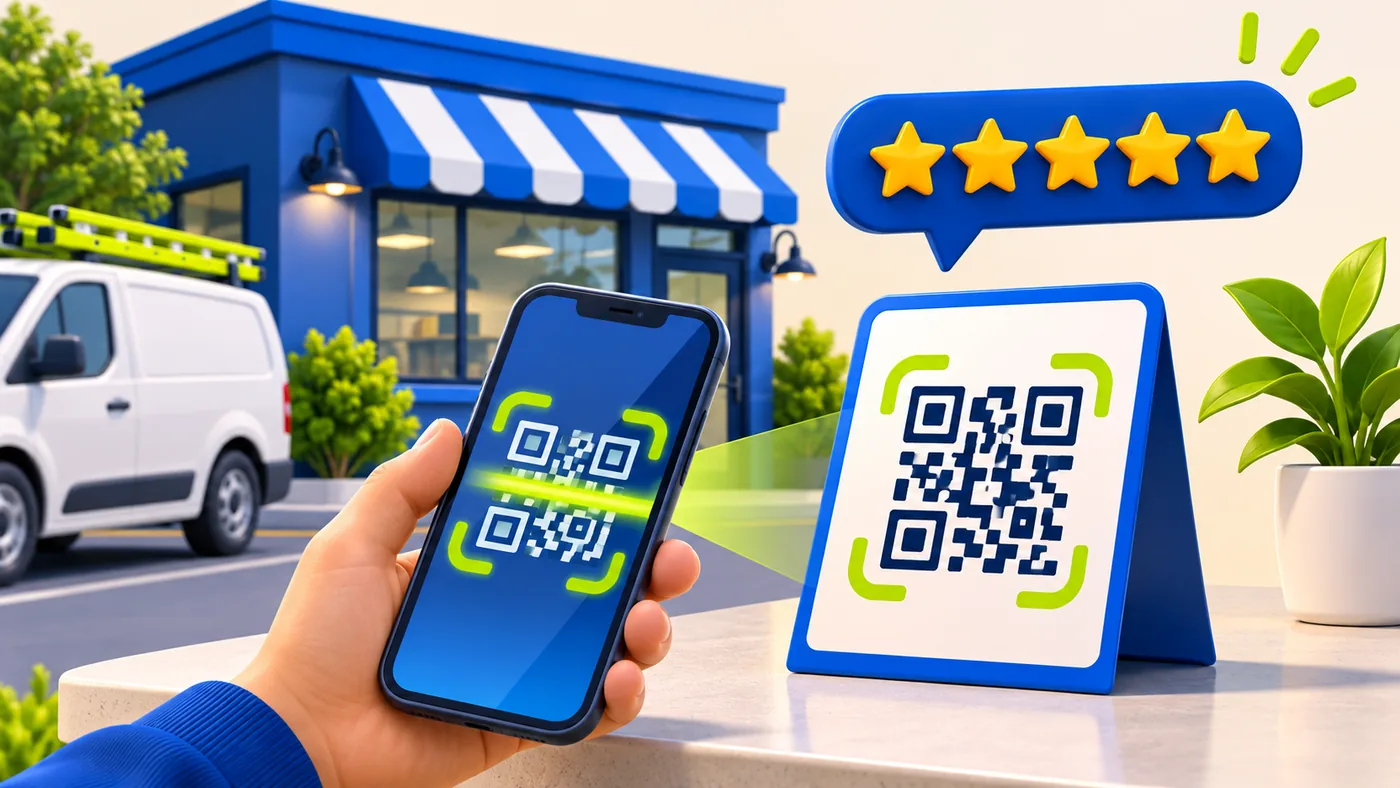
If you're looking for the "Google review link for my business," it lives inside your Business Profile: on a computer, open the profile, select Read reviews, then Get more reviews, and copy the link or save the QR code from the pop-up (Google Business Profile Help: create a review link or QR code). That's four clicks. No generator or paid tool is required.
The link is the easy part. If you're working out how to get more Google reviews for your business, volume comes from asking every customer at the same moment in every job, with the link one tap away, and from staying inside Google's rules, which are stricter than the FTC's on incentives.
This guide is for owners and managers of Google Business Profile (the tool many still call Google My Business, or GMB). It covers where to find the link on a computer and on a phone, how to get the Google My Business QR code for reviews, where to put both, request templates you can copy, and what Google and the FTC don't allow.
How to find your Google business review link on a computer
Google documents the review request link for a computer browser. Here is the path from its help page:
- Sign in with the Google account that manages your Business Profile and open your profile (business.google.com, or search your business name on Google while signed in).
- Select Read reviews.
- Select Get more reviews and the share icon.
- Click the Copy icon to copy the link. From the same pop-up you can also share it straight to email, WhatsApp or a Facebook post.
Look for Get more reviews after opening Read reviews in a computer browser.
Before you send the link to anyone, test it. Open it on your own phone with a personal Google account signed in and confirm two things: the review form opens, and it shows your business name and address. A multi-location business needs a separate link from each location's profile, because each profile collects its own reviews.
How to get my Google business review link on a phone
Use the computer browser steps to copy the link, then send it to your phone if you plan to share it by text. Google documents QR-code generation in a computer browser only.
The approach that holds up is simpler: copy the link once on a computer, then save it as a text shortcut or note on every phone used to close jobs. Your office manager, techs and front desk then paste the same link, and nobody has to dig through menus in a customer's driveway.
Google Maps links, Place IDs and review link generators
Two other kinds of link circulate in guides and tools. A Google Maps review link copied from the Share button opens your profile, so the customer still has to scroll to the review button. Every extra tap is a place to quit. Use the direct review link Google gives you.
A Google My Business review link generator usually takes your Place ID and builds a URL in this format: https://search.google.com/local/writereview?placeid=YOUR_PLACE_ID. You can look up the Place ID with Google's Place ID Finder. The catch: Google's own Maps Platform documentation on place IDs says place IDs "may change over time," and it recommends refreshing stored IDs older than 12 months. If you print a Place ID link on 2,000 receipts, re-test it every few months.
How to get the Google My Business QR code for reviews
The QR code sits in the same Get more reviews pop-up as the link. On a computer, right-click the QR code and choose Save image as. You don't need a separate Google My Business QR code generator, and the code Google gives you points straight to your review form.
A few print rules that save reprints:
- Put one short line next to the code, for example "Scan to leave us a Google review." A bare QR code on a counter looks like a menu or a Wi-Fi password.
- Test-scan the printed proof with an iPhone and an Android phone before ordering in bulk.
- Leave white space around the code and keep it off glossy, curved or reflective surfaces.
- Put it where people wait or pay: the counter, the check folder, the waiting room, the back of a leave-behind card.
The customer should scan it with their own phone. Reviewers need their own Google Account (it can use a non-Gmail address, per Google's tips to get more reviews), so a shared tablet at your front desk means each customer signs in to their account on your device. Their own phone is faster.
How to share your Google My Business review link where customers will use it
Send the link at the point where the customer has just had the experience you want reviewed: the job is done, the order arrived, the problem got solved. Google's help page suggests receipts, thank-you emails, the end of a chat conversation, and a printed QR code in your store.
The table below maps common touchpoints to the format and timing that fit them.
| Touchpoint | Format | When to send or show it | Who owns it |
|---|---|---|---|
| Text after a service call | Link | Same day, after the tech leaves | Office or tech |
| Email after an online order | Link as a button | After delivery | Store platform automation |
| Receipt or invoice | QR code plus short link | At payment | Point of sale or invoicing tool |
| Counter sign, table tent, front desk | QR code | While the customer waits or pays | Front desk |
| End of a chat or support ticket | Link | When the issue is marked resolved | Support agent |
| Leave-behind card for in-home work | QR code | Handed over at the final walkthrough | Tech or crew lead |
| Email signature, website contact page | Link | Always on | Whoever runs email and the site |
Two setups waste a good touchpoint. An online store that sends the request right after checkout asks before the customer has the product, so the review has nothing real to describe. A service business that prints QR cards and leaves them in the truck's glovebox has a QR code nobody sees.
Pick one or two touchpoints and make them part of the closing routine. For a plumbing or HVAC crew, that can be the text that goes out with the paid invoice. For a dental office, the receipt and a sign at checkout. Then count two numbers each month: requests sent and new reviews. If you already track calls and form leads by source, as we set up in lead tracking and attribution, add review requests to the same monthly sheet.
Review request templates you can copy
Short messages with one link and no conditions work best. Each template below asks for an honest review, doesn't mention stars, and offers nothing in return. Swap the braces for your details.
Text message after a job
Hi {first name}, thanks for choosing {business} today. If you have a minute, would you leave an honest review on Google? It helps people nearby find us: {review link}. Reply STOP and we won't text again.
Email after an order or appointment
Subject: How did we do, {first name}?
Thanks for your order from {business}. Your feedback helps us and helps other customers decide. You can leave a Google review here: {review link}. It's quick, and we read every one.
In person, at the counter or final walkthrough
"Glad it's all sorted. Could you leave us a Google review when you get a chance? The QR code on this card takes you straight to the form."
Line on a receipt or invoice
Thanks for your business. Tell others about your experience: scan the code or visit {short link} to review us on Google.
One reminder, a few days later
Hi {first name}, quick reminder in case the last message got buried: here's the link to review {business} on Google: {review link}. Thanks either way.
Send one reminder at most. Text only customers who gave you their number and agreed to receive texts (most businesses ask at booking), and remove anyone who replies STOP. Customers can name a technician or server on their own. Your template shouldn't ask them to.
What Google and the FTC don't allow when you ask for reviews
Google bans any reward for a review, asking only happy customers, reviews from people with a conflict of interest such as employees, and review quotas for staff. The FTC rule on consumer reviews, in effect since October 21, 2024, is narrower on incentives, but the FTC can seek civil penalties for each violation (Federal Register, Trade Regulation Rule on the Use of Consumer Reviews and Testimonials).
| Practice | Google Maps content policy | FTC rule (16 CFR Part 465) |
|---|---|---|
| Discount, gift card or freebie for leaving a review | Prohibited for any review, and for changing or removing a negative one | Prohibited when the reward depends on sentiment, such as a 5-star rating |
| Review gating: asking "How did we do?" and sending only happy customers to Google | Prohibited ("selectively solicit positive reviews") | Hiding negative reviews on your own site while implying you show all of them is prohibited |
| Discouraging or blocking negative reviews | Prohibited | Prohibited when done through threats, intimidation or unfounded legal threats |
| Reviews from owners, employees or other insiders | Prohibited as a conflict of interest, including current or former employment | Undisclosed reviews by officers and managers are prohibited |
| Fake reviews or reviews from multiple accounts | Prohibited | Prohibited |
The Google column comes from the fake engagement and rating manipulation sections of Google's prohibited and restricted content policy. The FTC details come from the final rule. Its ban on buying reviews applies when the incentive is conditioned on a particular sentiment. Other FTC disclosure requirements can still apply to incentives. Google doesn't. So follow the stricter rule: no discounts, raffles or freebies for Google reviews, even "for any honest review."
The same Google policy bars two things many owners do without thinking. A business may not tell staff to collect a certain number of reviews, and it may not ask staff to get reviews that name a staff member. A monthly bonus per review collected, or a sign saying "Mention Jessica in your review," both fall under that.
If your review software asks customers to rate you before it shows the Google link, check what happens to low scores. If a 1-3 star answer goes to a private feedback form and only 4-5 stars reach Google, that is selective solicitation under Google's policy. A neutral flow sends every customer to the same link.
When a review does break Google's policies, you can flag it from your profile. Removal is a separate process with its own rules.
How many Google reviews to aim for, and how fast
Google lists how many reviews you have among its prominence signals and says more reviews and positive ratings "can help your business's local ranking" (Google: improve your local ranking). The target number depends on who you compete with locally.
When we audit a profile's reviews, we look at volume and recency before the star rating. A 4.8 with 300+ reviews reads stronger than a 5.0 with 12, and a profile with no new reviews in the last 3-6 months counts as a minus. We set the review target as the median review count of the competitors you can realistically reach in a geo-grid scan. The market leader with ten years of reviews is a poor benchmark for month one.
Here is how that works on a made-up example. Say a scan for your main service shows five reachable competitors with 18, 41, 57, 64 and 112 reviews. The median is 57. If you have 23 reviews, you need 34 more. Spread over six months, that's about 6 new reviews a month (34 / 6 = 5.7). If you finish 60 jobs a month and ask every customer, you need roughly 1 review for every 10 requests. That ratio is the number to watch: if it drops, check whether requests are being sent and whether the link still works before drawing conclusions.
For more on how reviews fit with the rest of local search, see our guide to SEO for home service businesses.
Frequently asked questions
How do I get my business Google review link?
Open your Business Profile on a computer, select Read reviews, then Get more reviews, and click the Copy icon. You must be signed in with an account that manages the profile. The same pop-up has the QR code.
How can I create a review link for my business for free?
Google's own link is free and comes from your Business Profile, so you don't need a Google My Business review link generator. Generators build a link from your Place ID, which Google says can change over time. Use Google's link and test it before you print it.
Can I leave a Google review for my own business?
No. Google's policy prohibits reviews based on a conflict of interest, including current or former employment. That covers owners and staff reviewing their own business, and reviews they post on a competitor's profile.
How do I find the URL for my Google reviews?
The review request link from Get more reviews opens the form for writing a review. If you want to send someone to your existing reviews, share your profile from Google Maps instead. They are two different links with two different jobs.
Do customers need a Gmail account to leave a review?
They need a Google Account, but it doesn't have to be Gmail. Google says customers can create an account with a non-Gmail email address. A customer already signed in on their phone skips that step.
Can I offer a discount for an honest Google review?
No. Google prohibits incentives such as payment, discounts and free goods or services in exchange for any review, even an honest one. The FTC rule allows some neutral rewards, but Google's policy still applies to reviews on Google.
How do I set up Google reviews for my business if I don't have a profile yet?
Create and verify a Google Business Profile first. Google requires verification before you can reply to reviews, and the review link and QR code come from the profile itself. Once the profile is live, follow the steps at the top of this guide.
Set up the link and the routine before your next job closes
Do it in one sitting:
- Copy your review link and save the QR code from Get more reviews on a computer.
- Test the link on a personal phone and confirm it opens your business.
- Save the link as a shortcut on every phone used to close jobs, and add the QR code to your receipt or leave-behind card.
- Pick one template and one reminder, and remove anything that names staff or offers a reward.
- Write down your current review count and the median of your reachable competitors, then check the gap once a month.
If you want a second look at where your profile stands against local competitors, our Google Business Profile and Maps team reviews your review volume, recency and the profiles you're measured against. Send us your profile link, and we'll reply the same business day with what we see.
Put the next step into action.
Tell us about your business, service area and goals.
Get More LeadsExplore Google Business Profile services