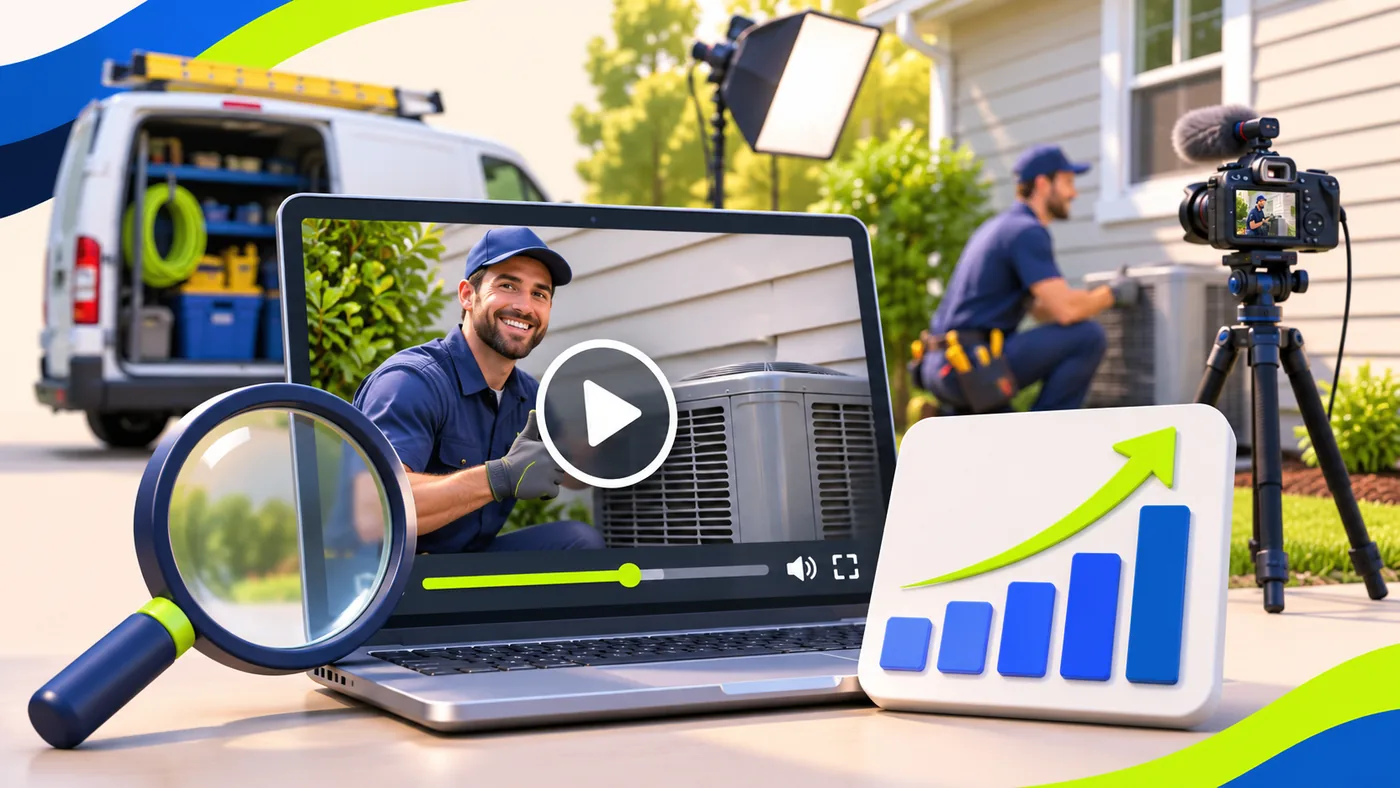
YouTube SEO is the work of matching a video's title, description, captions and content to what people type into YouTube search, so the video shows up for those searches and keeps viewers once they click. YouTube says its search results are ranked on three things: relevance, engagement and quality (How YouTube search works, YouTube Help). For a local business, SEO on YouTube has a narrower goal than "more views": a handful of videos that answer the questions customers ask before they call.
The audience is already there. In the Pew Research Center social media fact sheet (published October 19, 2026; survey conducted January 30 to June 18, 2026), 84% of U.S. adults say they use YouTube, compared with 70% for Facebook. Most YouTube SEO tips online are written for creators chasing subscribers and ad revenue. This guide is for an owner who wants a plumber's "how to shut off your main water valve" video, or a dentist's "what happens at a crown appointment" video, to bring in booked jobs.
You'll find how YouTube search works according to YouTube itself, which searches are worth targeting, an upload checklist, what changes for Shorts, how videos help your website in Google, and how to check whether any of it produces customers.
How does YouTube SEO work?
YouTube ranks search results by relevance, engagement and quality, and its Help page says the weight of each "may vary by search type." Here is what each one means in YouTube's own description:
- Relevance: how well the title, tags, description and video content match the search query.
- Engagement: signals such as watch time, which show whether other viewers found the video relevant to that query.
- Quality: signals that help YouTube identify channels with expertise and trustworthiness on a topic.
Two more details on the same page change how you should plan. Results are personalized: YouTube may use a viewer's search and watch history if they have it turned on, so two customers in the same town can see different results. And YouTube states that it doesn't accept payment for better placement in organic search. Ads are a separate, labeled product.
Search is only one way people find videos. YouTube Analytics splits traffic by source: YouTube search, suggested videos (shown next to or after other videos), browse features such as the Home feed, external websites and more. The mix varies by channel. For a local business, search is a useful place to start because it lets you target a question such as "water heater making popping noise."
That's good news. Search traffic is the part you can plan with keywords.
Which YouTube searches are worth ranking for
The best searches for a local business are specific questions asked before a purchase. "Plumbing" is a topic. "Why is my water heater leaking from the bottom" is a question with a customer behind it.
Three free ways to find these questions:
- Type the start of a customer question into the YouTube search bar and write down the autocomplete suggestions.
- Run the same question in Google. If the results page already shows a video block, people searching it want to watch an answer.
- List the questions your front desk hears on the phone every week. In small markets these rarely appear in keyword tools, yet they come straight from buyers.
When we build keyword lists for clients, we judge intent from the wording of the query and not from the "intent" label a keyword tool assigns, because that label is often wrong. The same check works for YouTube. "How to fix" signals a do-it-yourself viewer; "cost to replace" signals someone budgeting; "[service] in [city]" signals someone close to hiring. It's the same question-first approach we use for websites in SEO for home service businesses.
| Video type | Example search | Where the viewer is | What the description should link to |
|---|---|---|---|
| Problem explainer | "why is my AC blowing warm air" | Diagnosing the problem | The repair service page, plus when to call a pro |
| Cost and process walkthrough | "how much does a root canal cost" | Comparing options | The service page and how quotes or consultations work |
| Before and after | "kitchen cabinet refacing before and after" | Judging quality of work | A project gallery and your service area |
| Local question | "when to aerate a lawn in Houston" | Planning around local conditions | Your city or service-area page |
| Objection or rules video | "do I need a permit to build a deck" | Close to deciding | A booking or quote form |
Plan one video per question. A video that tries to answer five questions ends up with a title that matches none of them.
How to optimize YouTube videos for SEO, step by step
These steps follow the upload fields in YouTube Studio, with the limits YouTube publishes in its Help Center. They're the YouTube SEO best practices that YouTube itself documents, minus the folklore.
- Title. Put the customer's question or main phrase near the start. YouTube allows up to 100 characters for titles and 5,000 for descriptions, but long titles get cut off in results, so the words that earn the click go first. "Water heater leaking from the bottom? 4 causes and what each costs to fix" beats "Episode 12: Water heater tips."
- Description. Use the first two lines to restate, in plain words, what the video answers, since that's what shows before viewers expand it. Below that, add your phone number, service area, a link to the matching page on your site and the chapter list.
- Thumbnail. YouTube calls the title, thumbnail and description "more important pieces of metadata" for discovery than tags. Custom thumbnails require a verified account, and YouTube's thumbnail specs list 3840 x 2160 pixels, a 640-pixel minimum width and a 16:9 ratio. A real photo of your crew or the finished job tells a local viewer more than stock art.
- Chapters. Add timestamps to the description. The first one must be 00:00, you need at least three in ascending order, and each chapter has to run at least 10 seconds (YouTube Help: video chapters). Name chapters after sub-questions ("What a new unit costs"), because chapter titles are text both YouTube and Google can read.
- Captions. Upload or correct them. Automatic captions often garble street names, brand names and trade terms, which are exactly the words local customers search.
- Hashtags: add a few that describe the video. YouTube shows up to three above the title, and if a video has more than 60 hashtags, YouTube ignores every one of them. Unrelated hashtags can get a video removed.
- Tags come last, and deserve a minute, not ten. YouTube says tags "play a minimal role" in discovery and help mainly when the subject is commonly misspelled. A pest control company might add "cockroach" and "cockroch"; a dental office might add "Invisalign" and "invisilign."
- Playlists, cards and end screens. Group videos by service ("water heaters," "drains") and point each end screen to the next question a customer is likely to have. YouTube Analytics reports end screens, cards and playlists as separate traffic sources, so later you can see which paths viewers take.
If you only have time for three of these, do the title, the first two lines of the description and the thumbnail. YouTube names those fields as more important for discovery than tags.
Common YouTube SEO advice vs. what YouTube's docs say
A lot of widely shared YouTube SEO advice repeats numbers that YouTube's Help Center doesn't say, or has since changed. We checked the most repeated tips against YouTube's documentation in November 2026.
| Common advice | What YouTube's Help Center says | What to do instead |
|---|---|---|
| Fill the tag field with every keyword you can | Tags "play a minimal role"; excessive tags in descriptions break spam policy | Add a few tags, mostly for misspellings |
| Make thumbnails 1280 x 720 | 3840 x 2160 resolution, 640-pixel minimum width, 16:9 | Export at a higher resolution and check that text reads on a phone |
| Use as many hashtags as possible | Up to 3 show above the title; more than 60 means all are ignored | Use a handful that describe the video |
| Keep titles under 60 to 70 characters | The limit is 100 characters; no recommended length is published | Put the question first and cut filler words |
| Views decide rankings | The search page names relevance, engagement and quality, and doesn't list view count | Aim for watch time from people who searched your exact question |
The 1280 x 720 figure still shows up in Google's own AI Overview for "seo youtube" (checked November 2026). Following it won't break anything, but it's below the resolution YouTube now lists.
YouTube Shorts SEO: what's different
Shorts are vertical videos up to 3 minutes long, and YouTube shows them in the Shorts feed, in search results, on the Home page and on your channel page. SEO for YouTube Shorts uses the same parts with less room: a title of up to 100 characters, hashtags in the title or description, and a 9:16 custom thumbnail that you can add only in YouTube Studio on a computer, from a verified account.
Watch one number closely. Since March 31, 2025, YouTube counts a Shorts view every time a Short starts or replays, with no minimum watch time, and the older metric is now called "engaged views." A Short with 5,000 views and 400 engaged views has a large gap between starts or replays and continued viewing, but that ratio alone does not measure how many people swiped away. Check the "Stayed to watch" metric as well, and compare engaged views between Shorts when you decide what to film next.
For a local business, Shorts suit one-tip answers ("the 10-second dye test for a leaking toilet") and quick job-site clips. A question that needs a price breakdown or a full walkthrough belongs in a regular video, where chapters and a longer description give YouTube more text to match.
Do YouTube videos help SEO for your website?
Yes, when the video sits on a page built around the same question. YouTube videos appear in Google results on their own, and Google Search Central's video best practices ask for a dedicated watch page where the video is the main content, with a unique title and description, on a page Google has indexed. For YouTube videos, Google can use the timestamps in the description to show key moments: links that jump to a segment straight from the results.
What that looks like for a small business site:
- Embed videos on relevant service or FAQ pages to help visitors. If you want eligibility for Google's video features, also give each video a dedicated watch page where watching that video is the main purpose, with a unique title and description. A supplementary embed on a service page alone does not satisfy that watch-page requirement.
- Cut a short version for your Google Business Profile. Profile videos can run up to 30 seconds, up to 75 MB, at 720p or higher, so a 4-minute YouTube video won't fit as is.
- Link from the YouTube description to that same page, so viewers who want a quote land where they can request one.
AI answers pull from video too. When we searched "seo youtube" in November 2026, Google's AI Overview listed YouTube videos among its cited sources, next to articles. If AI search is part of your plan, a video with an accurate title, chapters and captions is one more thing those systems can quote; our page on AI search optimization covers the website side.
Video structured data and video sitemaps belong to website video SEO, which is a separate job from ranking on YouTube. If you already have an SEO plan for your website, treat each embedded video as one more page asset inside it.
How to tell if YouTube is bringing you customers
Start in YouTube Analytics, then follow the click to your website.
In the Reach tab, the "Traffic source: YouTube search" card lists the actual search terms that led people to your video. If they match the question in your title, the targeting worked. If they don't, retitle the video using the words viewers actually typed. The "External" source shows views from websites and apps where the video is embedded or linked, which tells you whether your site embeds get watched.
Views don't pay the bills. Calls do. On Google Business Profile, we put UTM parameters on the Website link so profile visits don't blend into organic traffic in reports. Do the same with every link in a YouTube description, for example ?utm_source=youtube&utm_medium=video&utm_campaign=water-heater-leak. YouTube visitors then show up as their own source next to form fills and calls, and lead tracking can connect them to booked jobs.
Give each video time before you judge it. For new web pages, we look at impressions and clicks in months 2 to 4 before deciding whether to rework them. A similar window for a video, read through its search terms card, keeps you from rewriting a title after one week of data.
YouTube SEO FAQ
What is YouTube SEO?
YouTube SEO is optimizing a video's title, description, thumbnail, captions and content so it ranks in YouTube search for specific queries and holds viewers. YouTube ranks search results on relevance, engagement and quality, and may personalize them using a viewer's watch history.
Do YouTube tags still matter?
Barely. YouTube says tags play a minimal role in discovery and are most useful when your topic is commonly misspelled. Spend your time on the title, thumbnail and description, which YouTube calls more important.
Can I pay YouTube to rank higher in search?
No. YouTube states it doesn't accept payment for better placement in organic search results. Paying gets you a YouTube ad, which is labeled and billed separately from organic rankings.
Do YouTube videos help SEO on Google?
They can. YouTube videos appear in Google results, and a video embedded on a dedicated page with its own title and description gives that page another way to show up. Chapter timestamps can also appear as key moments in Google.
How many hashtags should a YouTube video have?
A few that describe the video. YouTube shows up to three above the title, and a video with more than 60 hashtags has all of them ignored. Misleading or unrelated hashtags can lead to removal.
How long can a YouTube Short be for SEO purposes?
Up to 3 minutes. Shorts can rank in YouTube search like regular videos, with a title of up to 100 characters. Questions that need a long walkthrough usually work better as a regular video with chapters.
Where to start this month
Pick five questions customers ask before they hire you. Record one plain answer to each, upload them with the settings above, embed each video on the matching page of your site and tag every description link with UTM parameters. In two or three months, the YouTube search terms card and your lead reports will show which questions bring calls, and that tells you what to film next.
If you want video to feed into your local search and lead tracking setup, get in touch with Next Wave Group. We start with your goals, service area and existing lead flow, then agree on the work that fits your business, and we reply the same business day.
Put the next step into action.
Tell us about your business, service area and goals.
Get More LeadsExplore SEO services